Table of Contents
Upgrade the software
Update scripts
Execute sudo ./upgrade.sh to download the latest versions of the scripts.
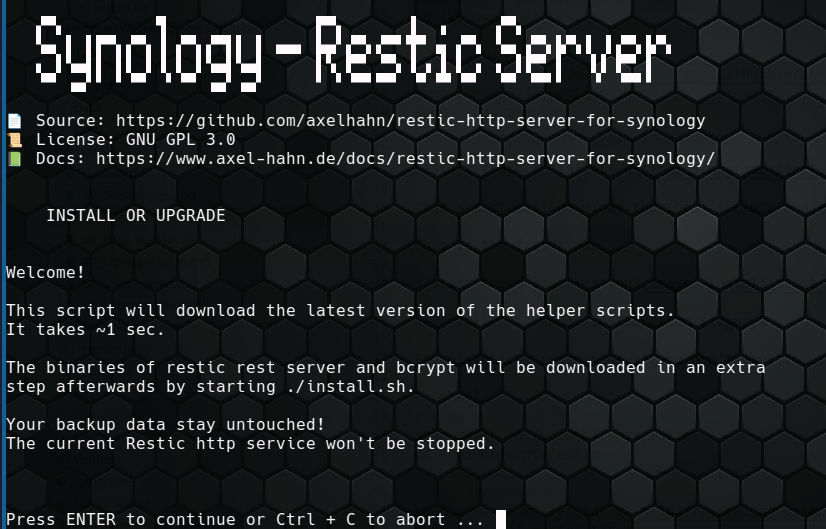
Afterwards it will start the newly downloaded ./install.sh to download/ upgrade needed binaries. See the next chapter.
Hint:
Add -y to the command to skip the confirmation prompt.
USAGE: upgrade.sh [OPTION]

OPTIONS:
    -h|--help     Show this message
    -y|--yes      Do not ask for confirmation
Upgrade Binaries
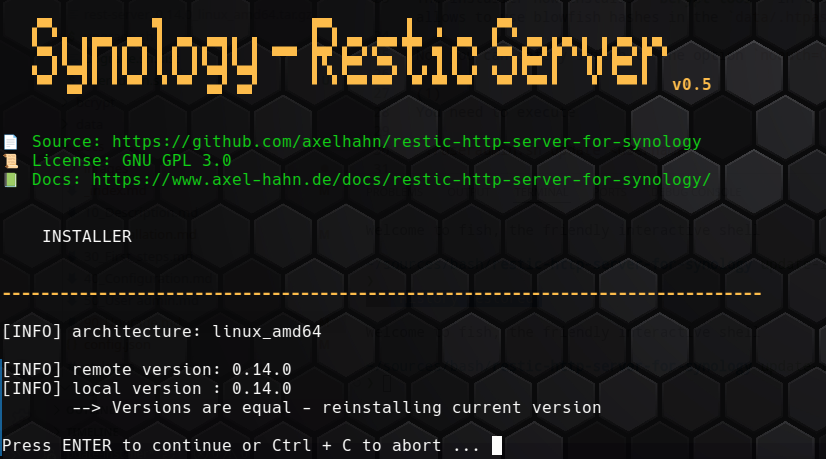
Execute sudo ./install.sh to download the latest version of the required single binaries of restic rest server and bcrypt and initialize the service.
Hint:
Add -y to the command to skip the confirmation prompt.
USAGE: install.sh [OPTION]

OPTIONS:
    -h|--help     Show this message
    -y|--yes      Do not ask for confirmation
After update/ upgrade:
- run
sudo ./rest_server.sh restartto restart the restic rest service
If a new Restic rest version was found then delete
- folder
rest-server_<old-version>* - file
rest-server_<old-version>*.tgz
Change in Sep 2026
The installer now installs bcrypt-tool in the bryptsubfolder. It allows to use blowfish hashes in the data/.htpasswd.
Now you can safely switch to the option noauth=0 in rest_server.conf.
(1) You need to execute
sudo ./useradmin.sh update <username>
for each user and set the new password on the clients.
(2)
Set the option noauth=0 in rest_server.conf.
(3)
Restart the restic server with sudo ./rest_server.sh restart to reread user passwords and the changes in the config file.