Table of Contents
Handle users
With the script ./useradmin.sh you can handle users for private repositories and passwords for their access.
You can
- add a new user
- update the password for an existing user
- delete a user
User data are written int a .htpasswd file. After any change you need to restart the restic http server to reread the .htpasswd file.
Show help
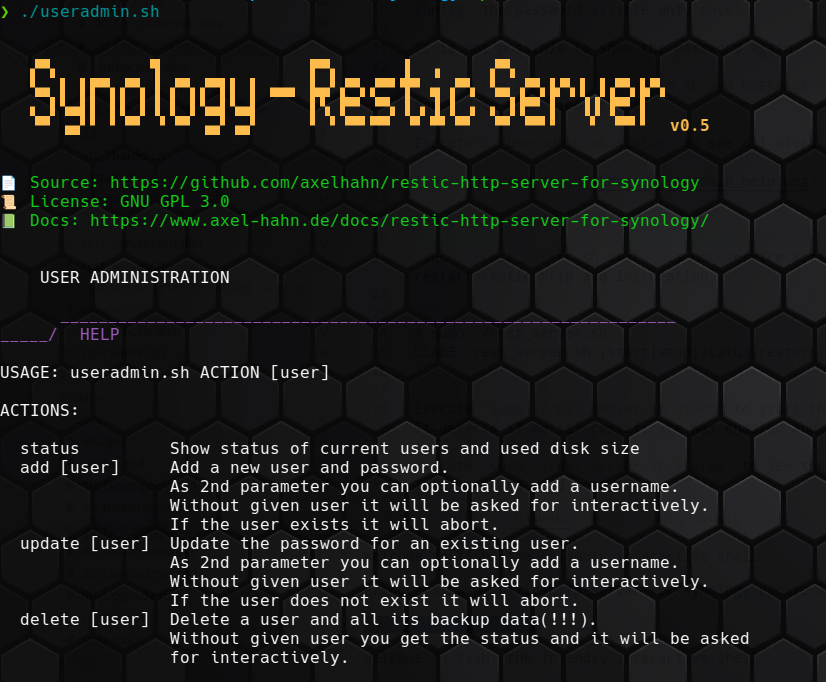
Show status
Show status of current users and used disk size. It shows warnings if
- noauth or privaterepos are set in an unsecure way or
- an old (unusable) hash was found
Add user
To add a new user execute ./useradmin.sh add USERNAME to create a user with a generated password (32 chars by default).
Copy and paste the shown password in the output to your restic client config. The password visible only once.
Delete user
Delete a user and remove aLl its backup data.
Update user
Update the password for an existing user.